Start every day with a Quran verse on your home screen
Quran Widget puts a fresh ayah in Arabic with your translation on your iPhone or Android Home Screen. Daily Verse on the iPhone Lock Screen is free too. No ads or account.
Free on iOS and Android
Everything a Quran widget should be
It puts a Quran verse on your home screen. Every other feature serves that one habit.
New verse every day
The widget updates on its own. Open your phone and the ayah is already there.
Arabic plus your translation
Dozens of languages and scholarly translations. Pick the one you actually read with.
Home & lock screen widgets
Verse, quote, custom-text and progress widgets in 25+ designs. Available sizes depend on your device.
68 themes
Moroccan, Ottoman, Indo-Pak, and nine other collections. Change the look without changing the verse.
Save and share
Bookmark verses you want to return to. Share them as formatted cards.
Nothing extra
No social features. No ads. Unlock your phone, read the ayah, carry on.
Home screen and lock screen
Verse widgets, prophetic quotes and your own reminders. Sizes vary by device.
25+ styles
Verse, quote, custom
Sizes
Varies by device
68 themes
12 collections
10 lock screen
Daily Verse free on iPhone
Real home screen setups
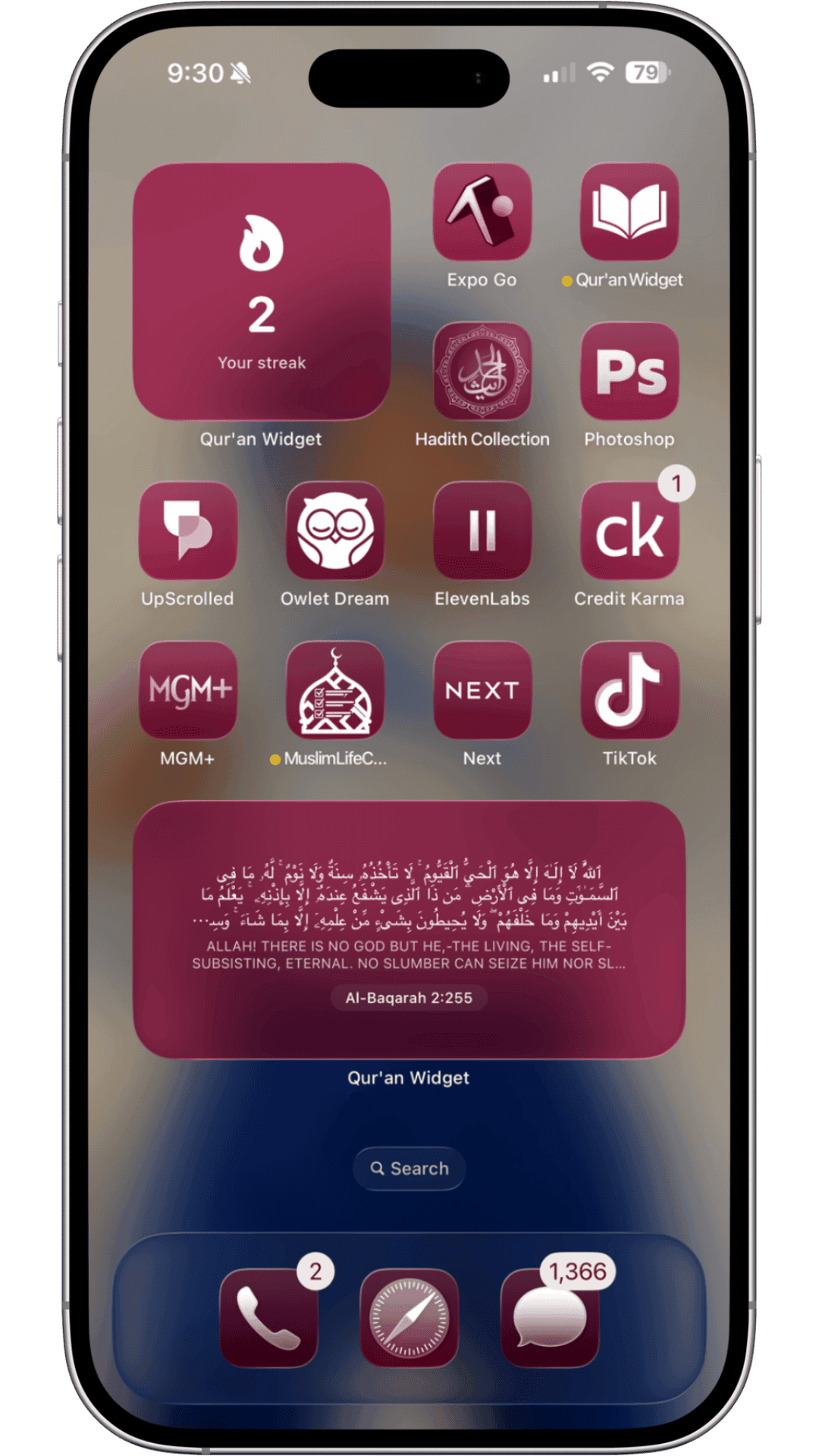
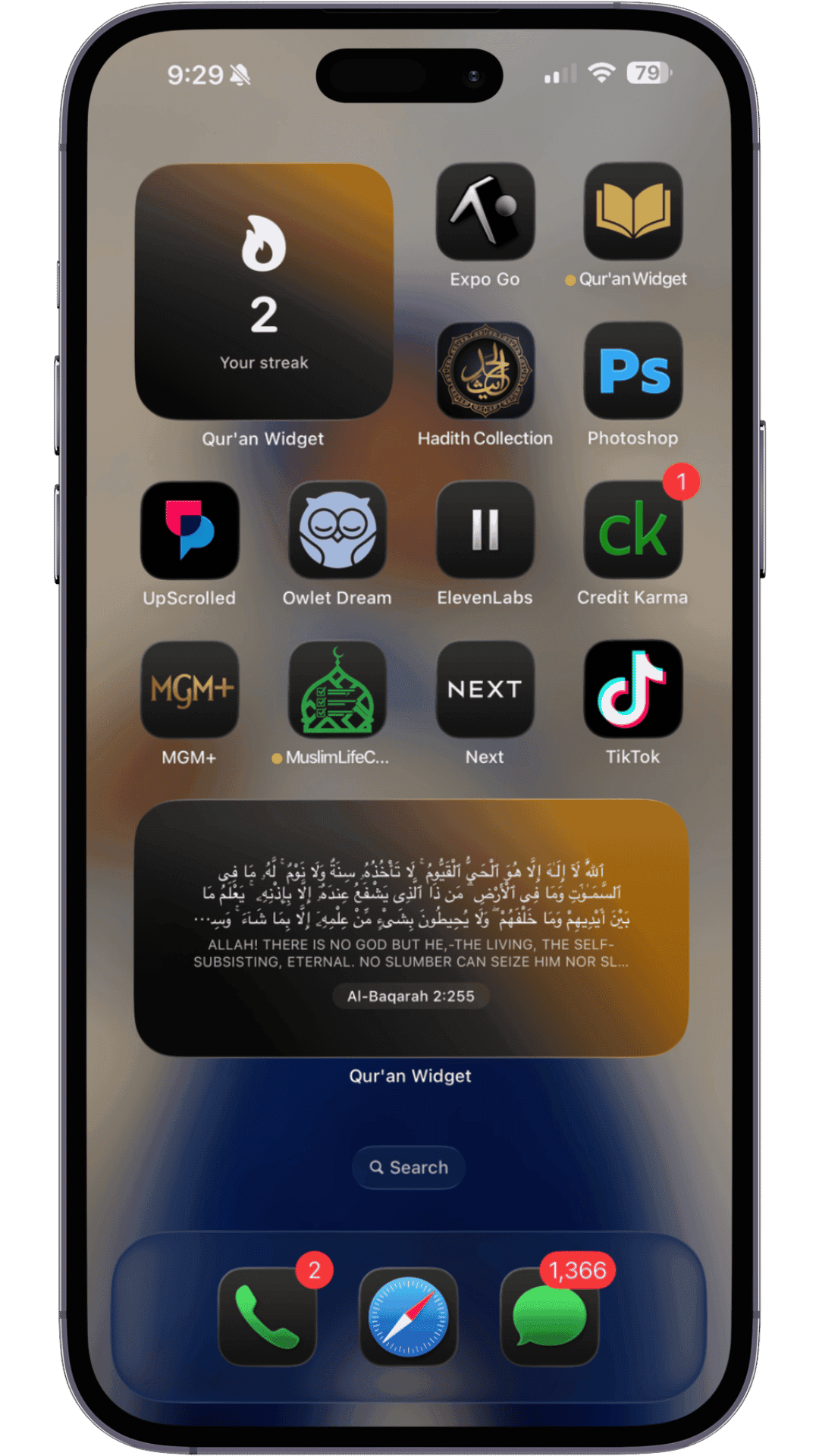
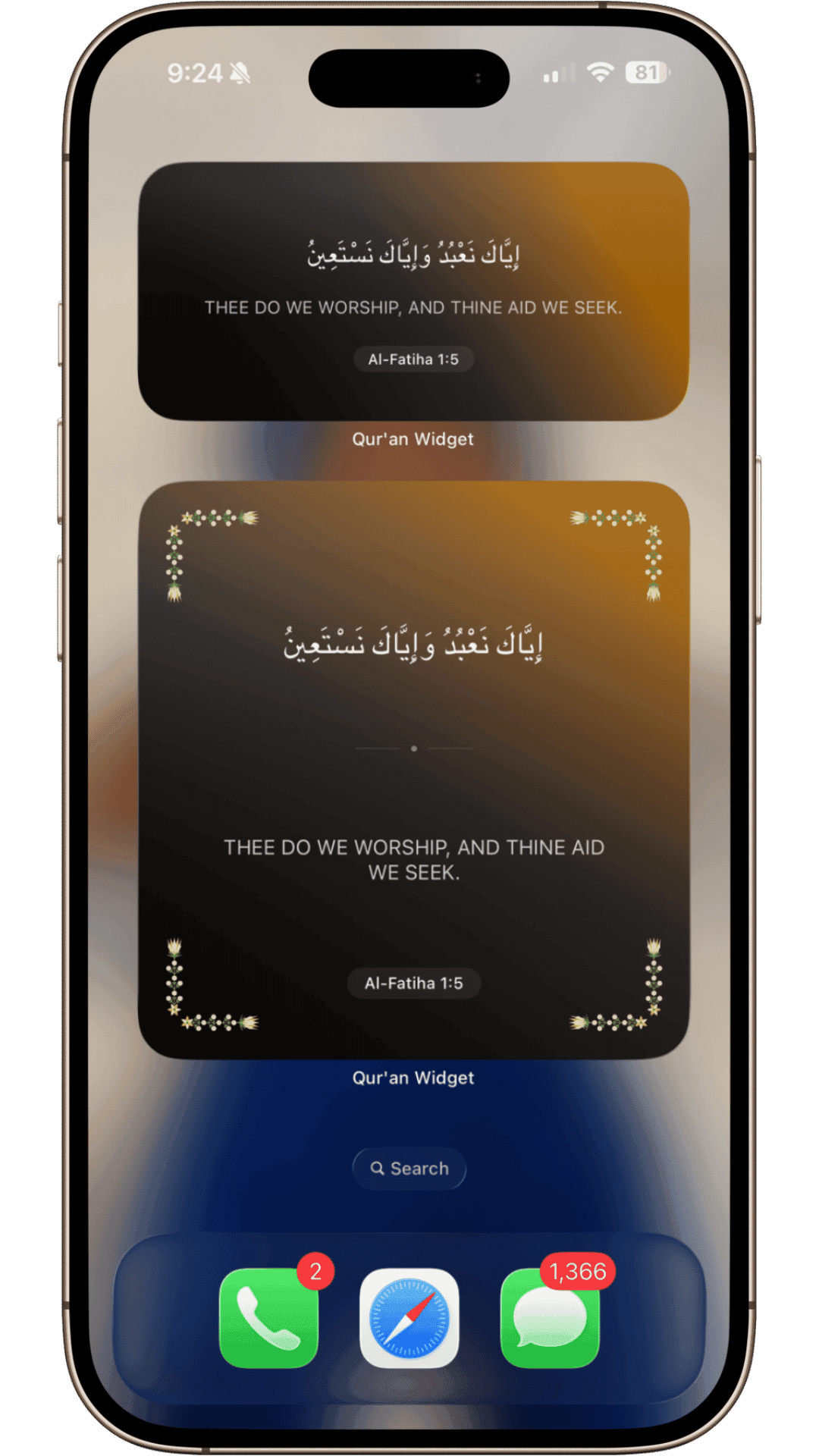
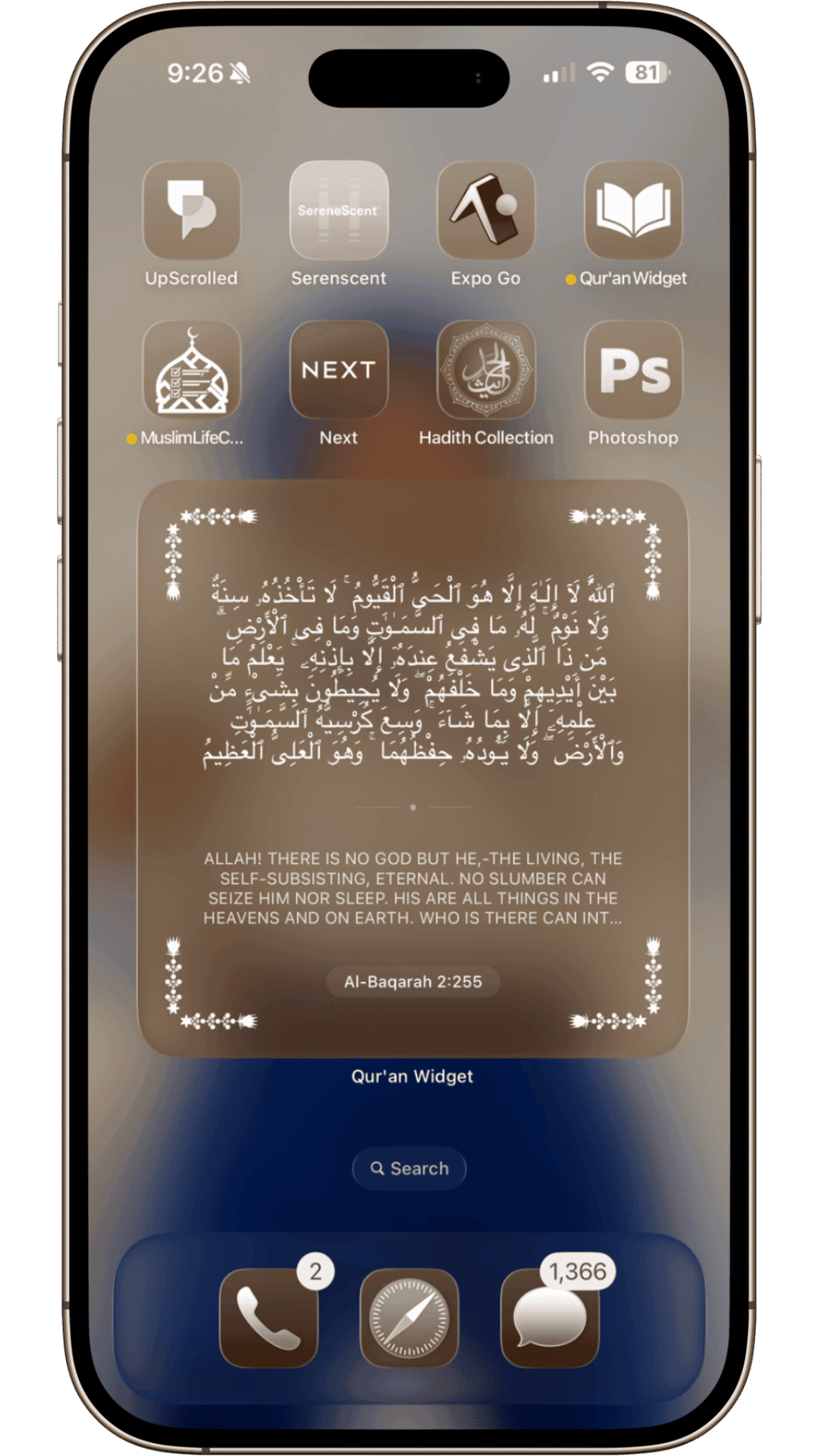
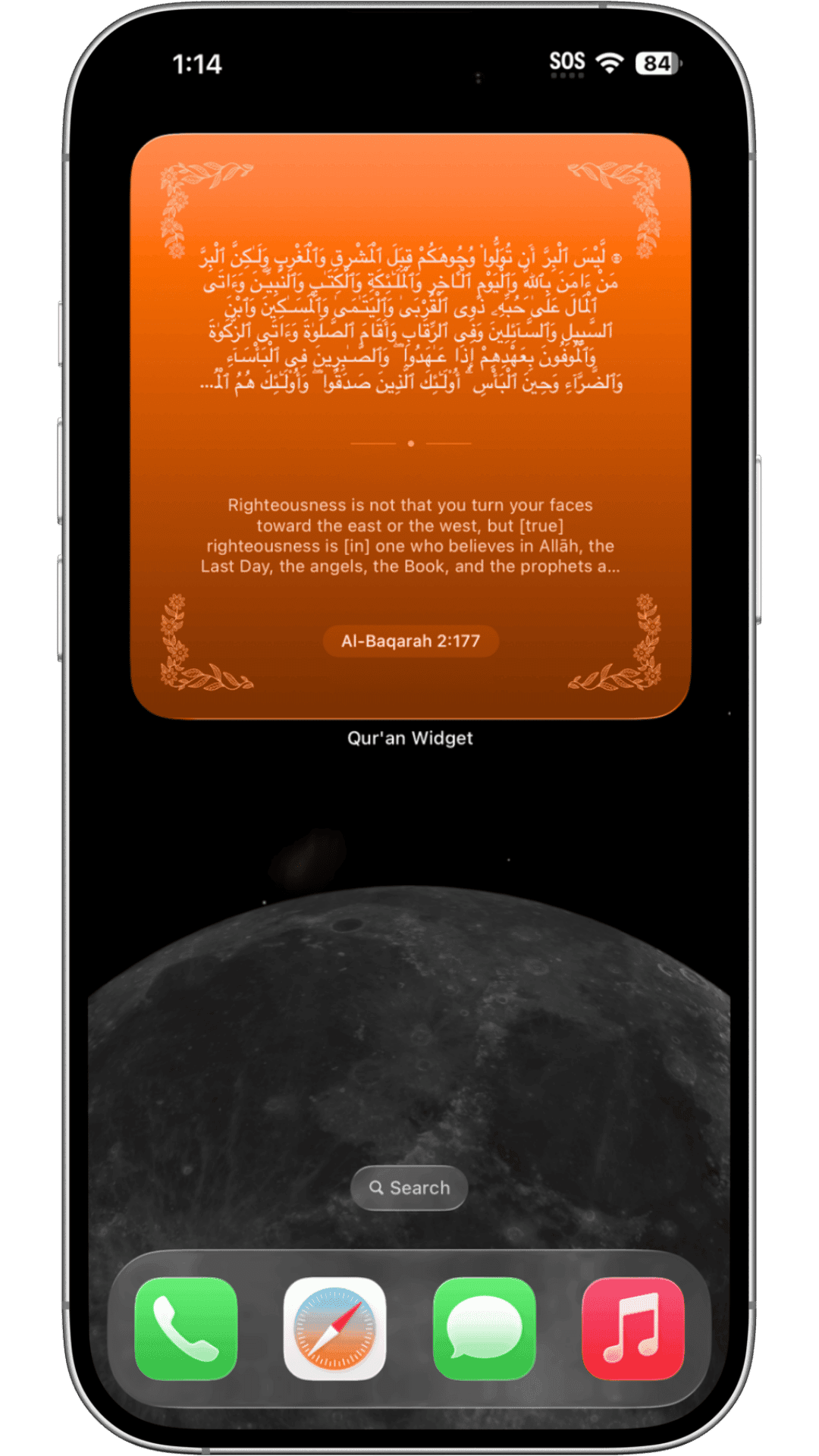
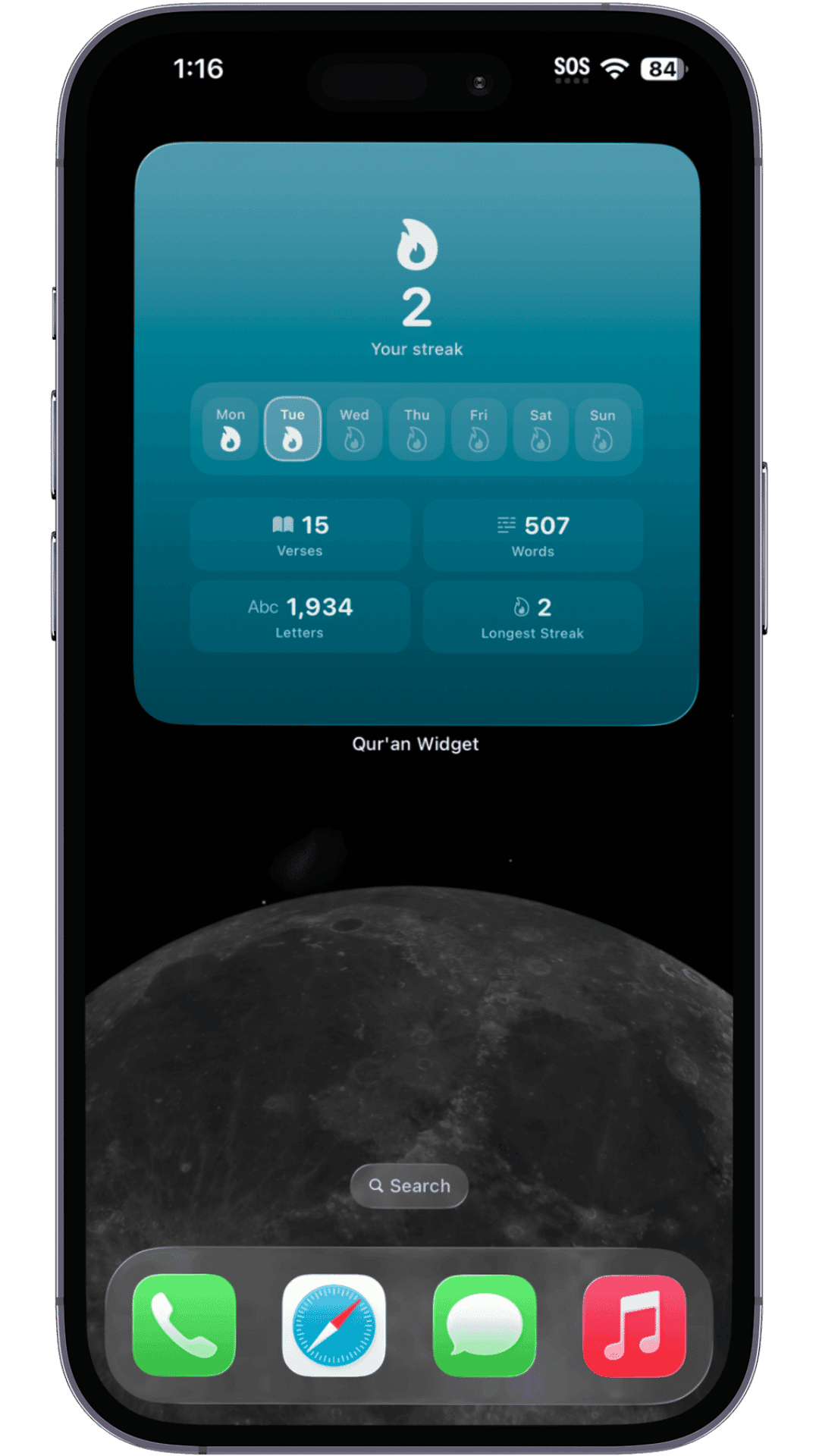
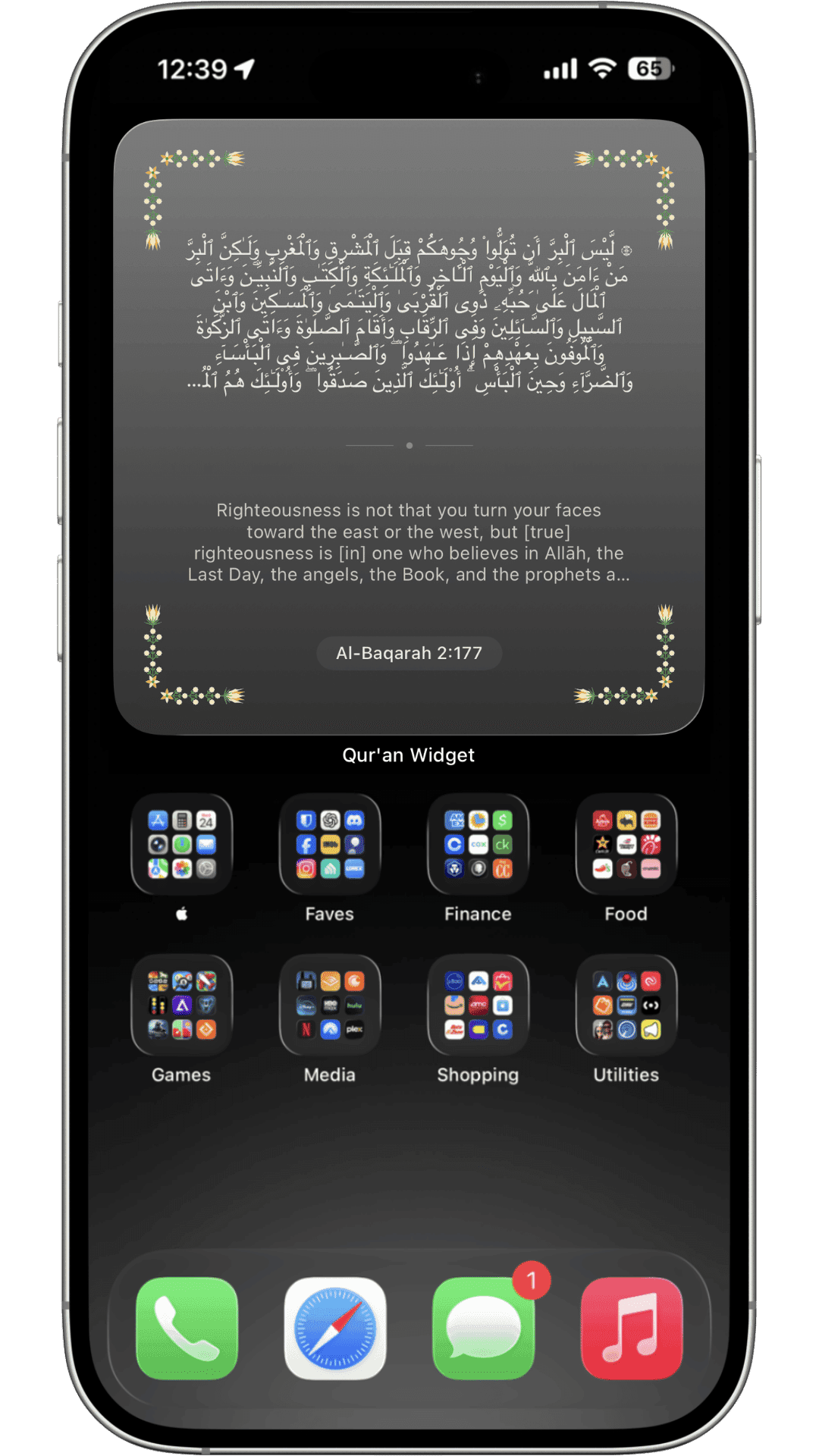
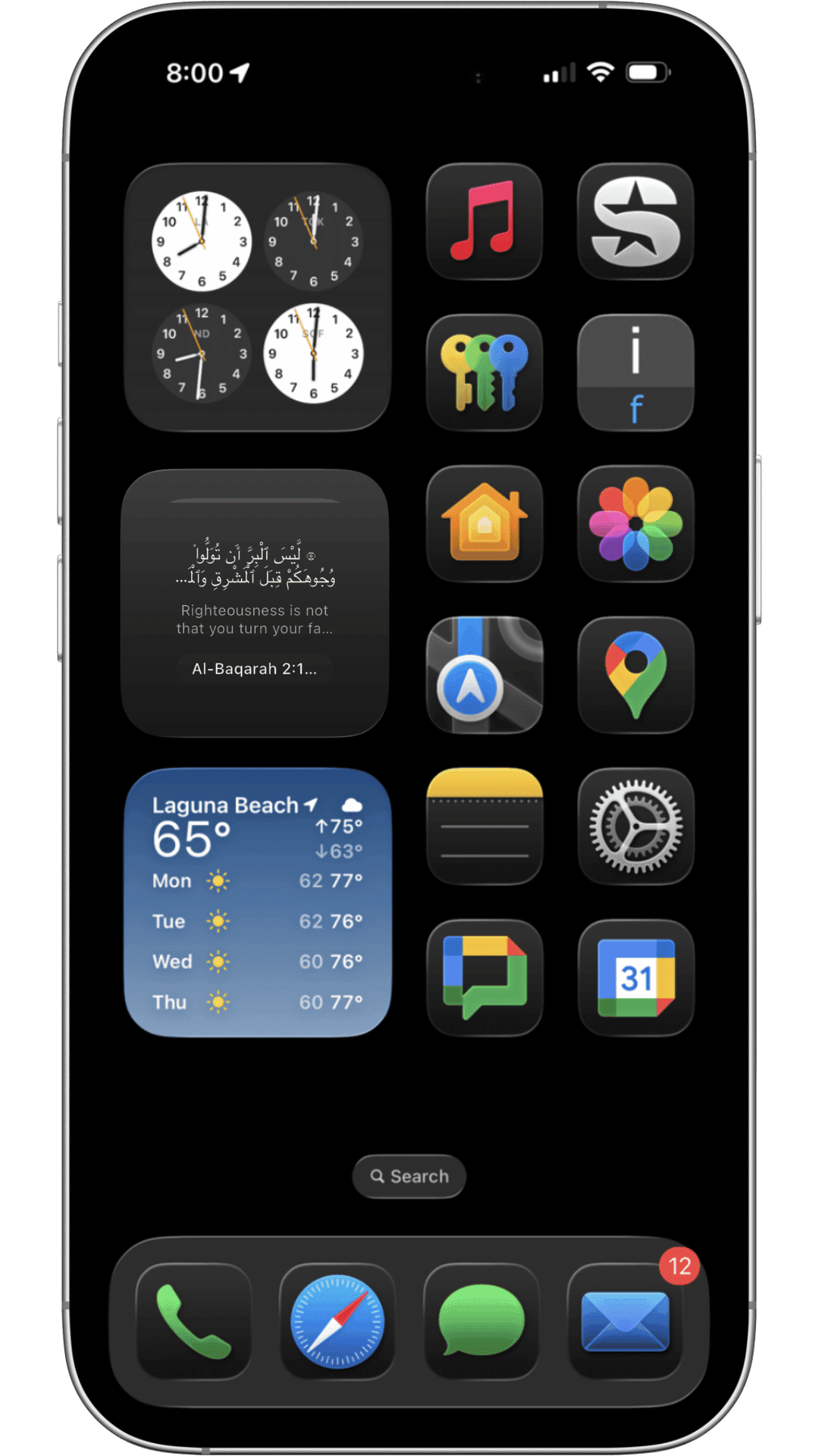
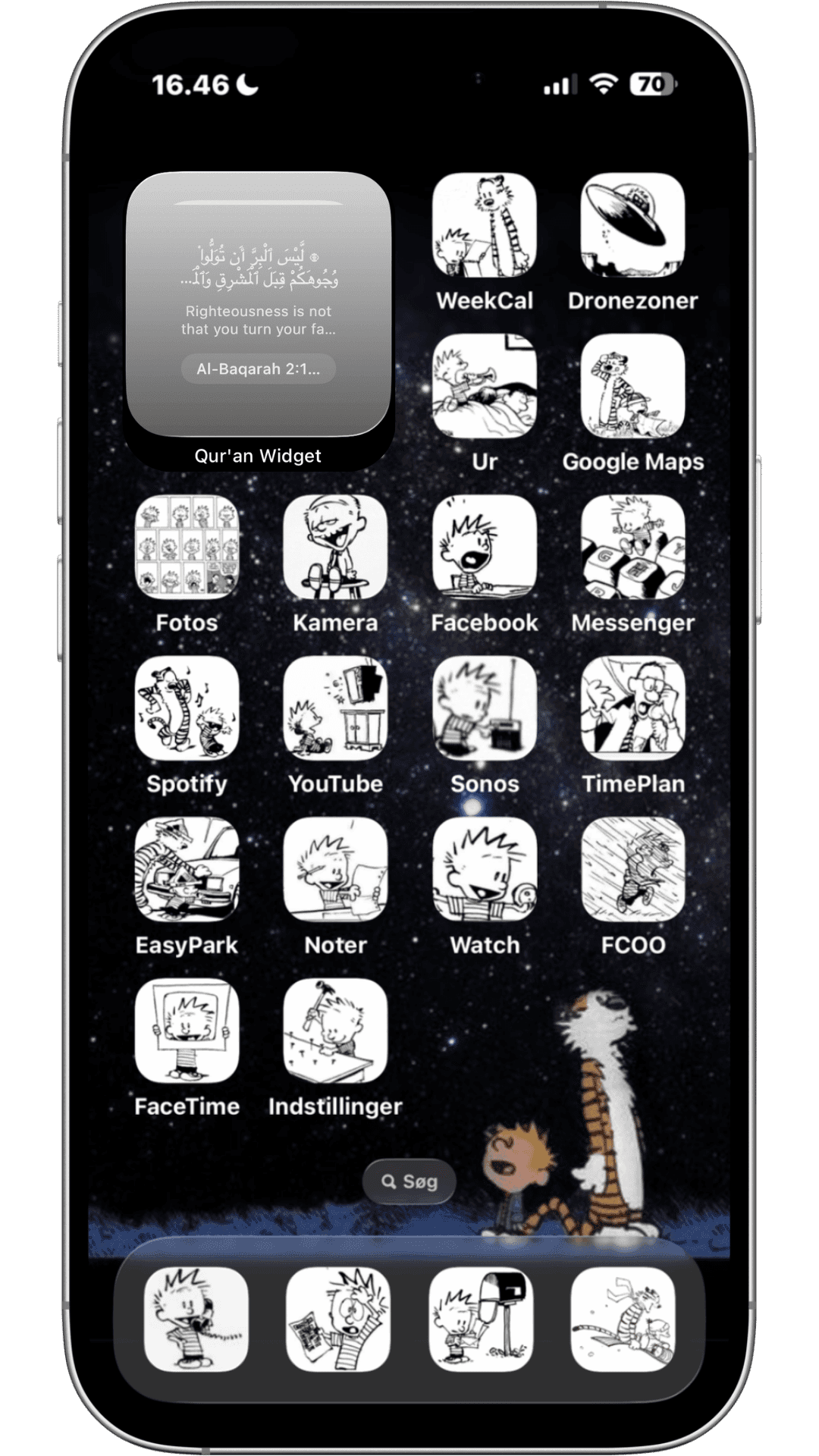
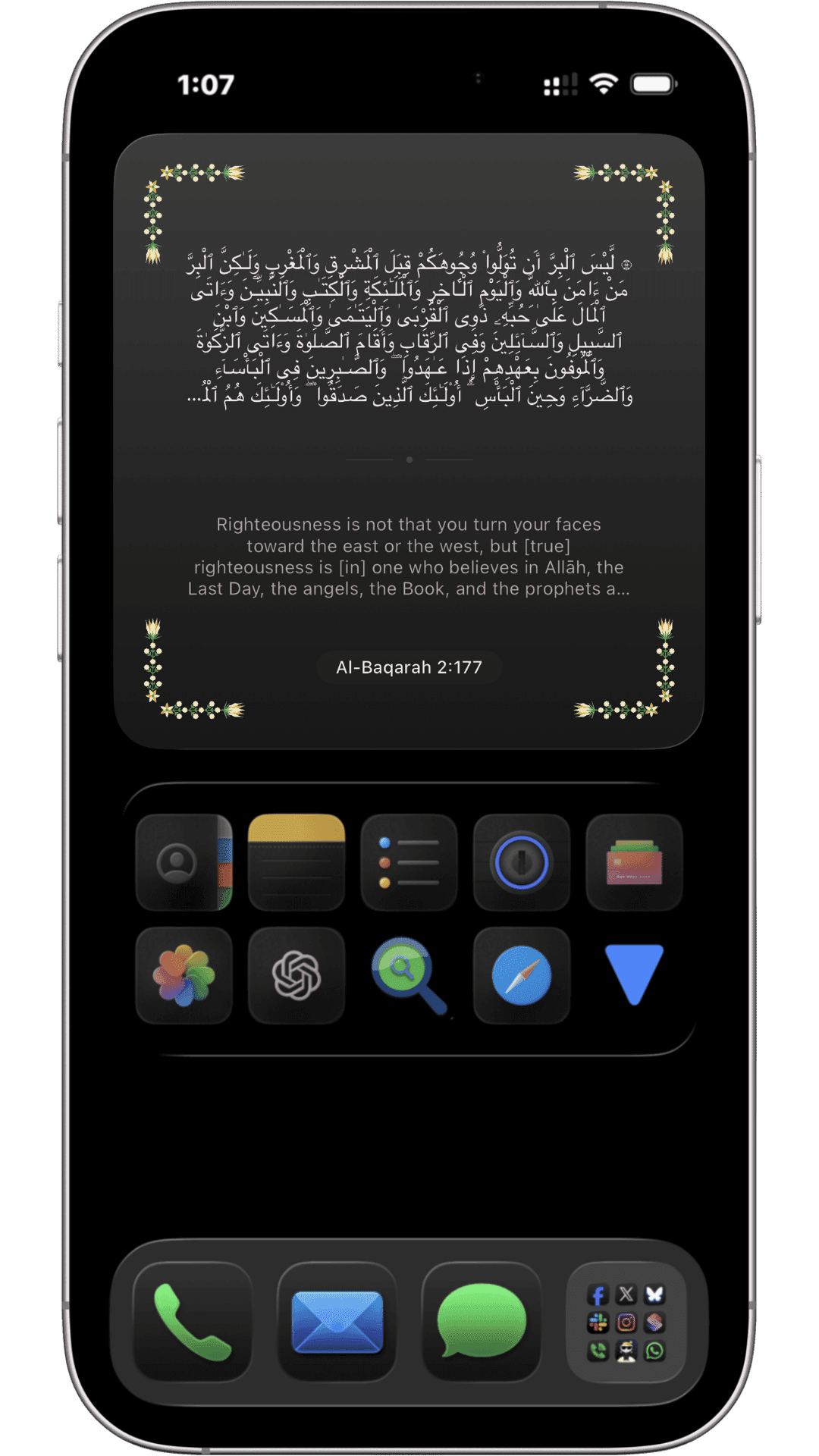
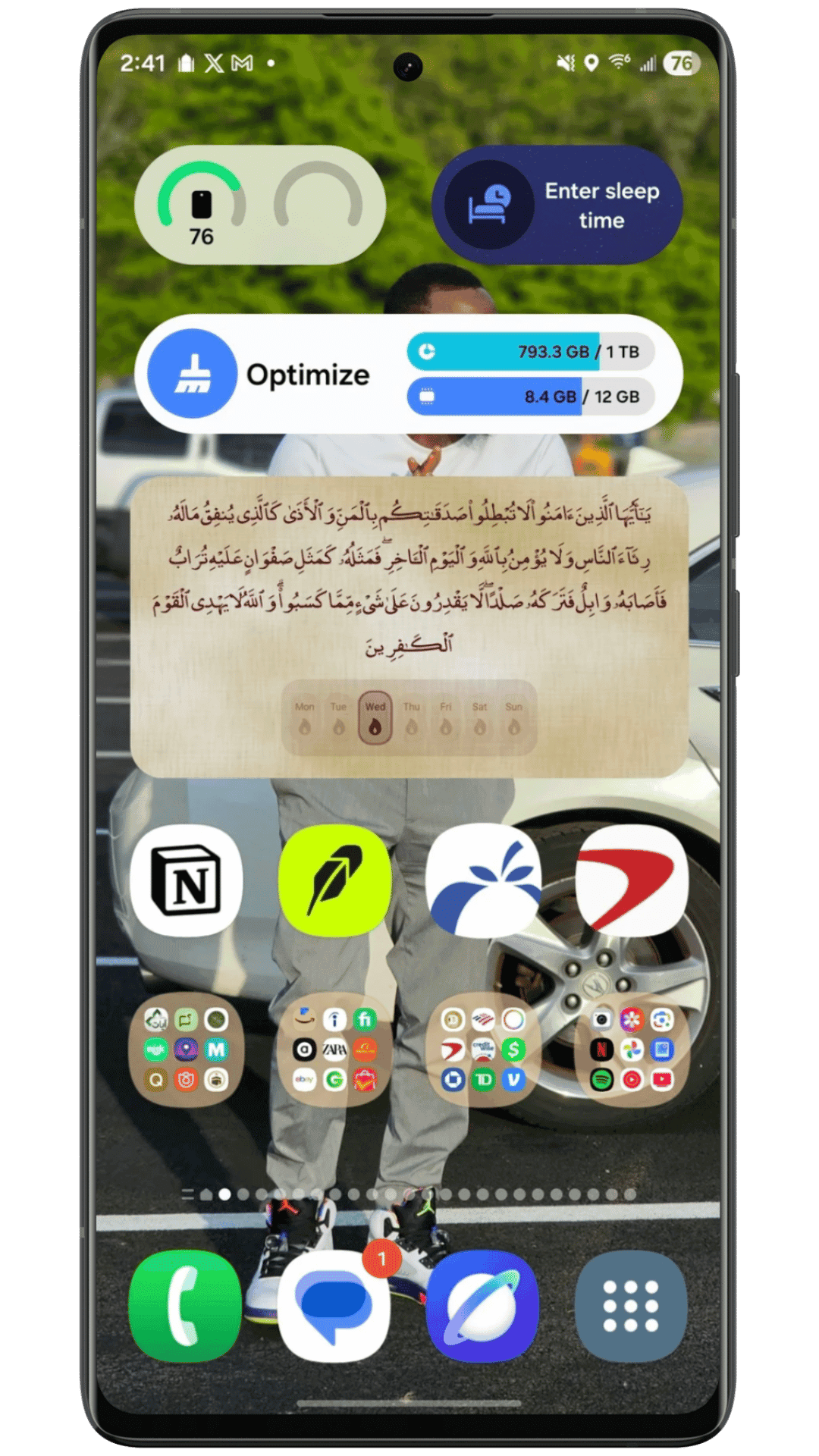
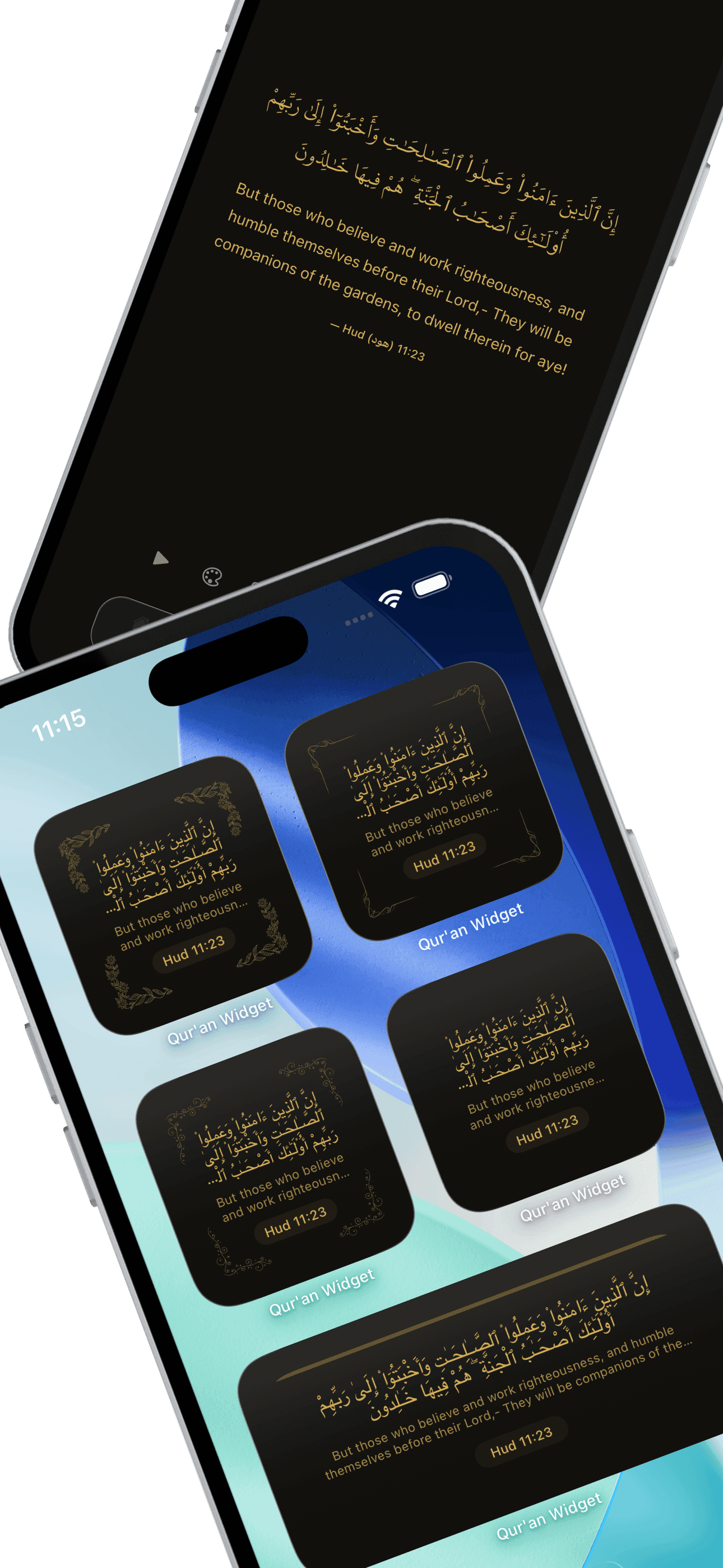
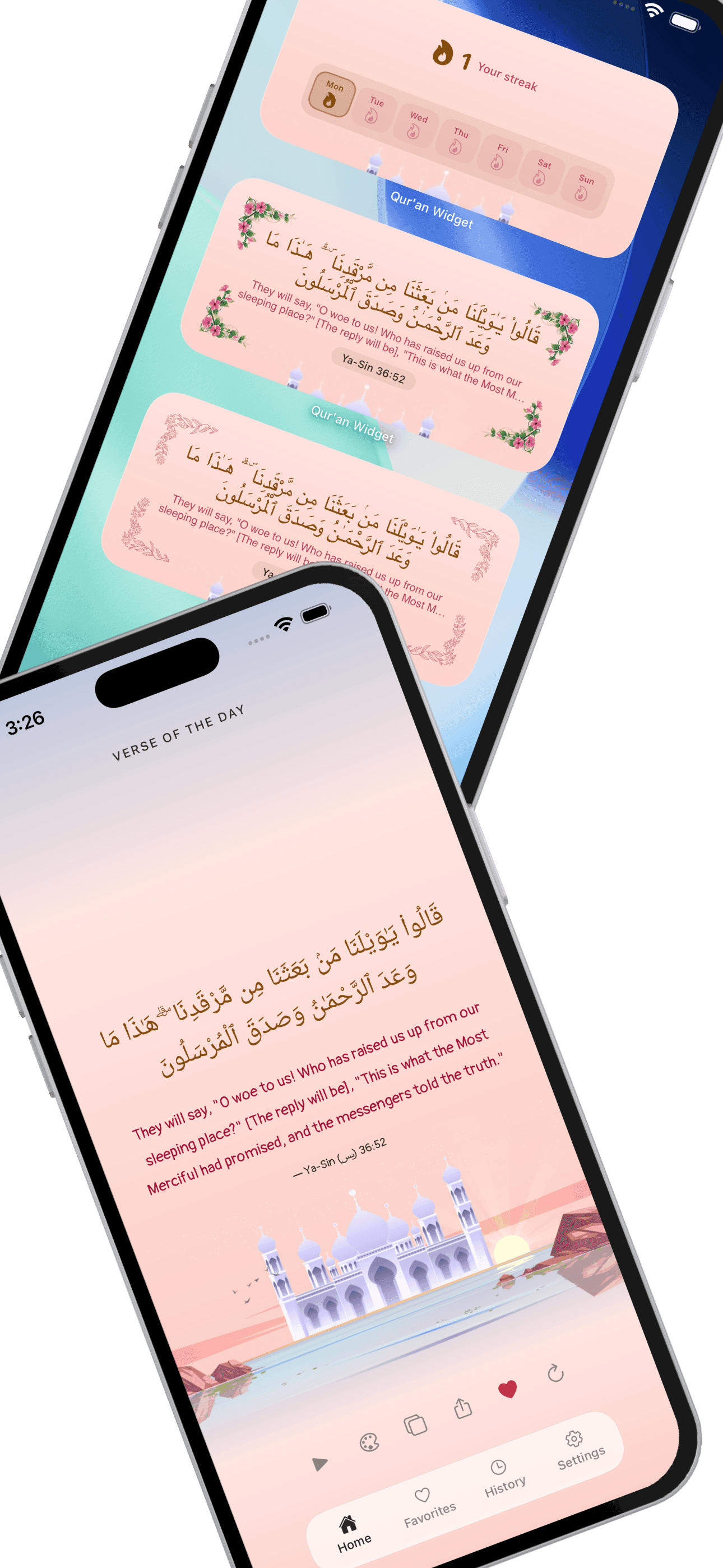
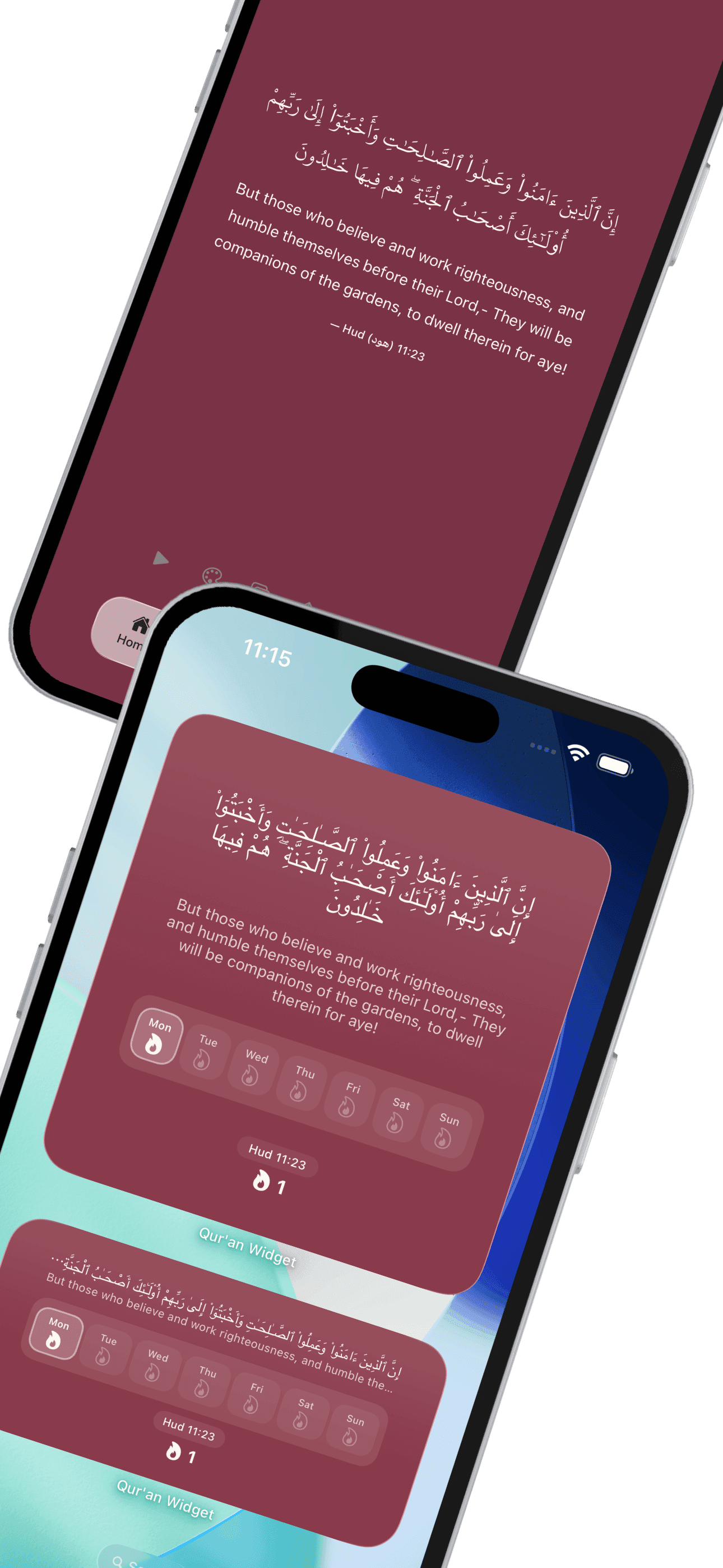
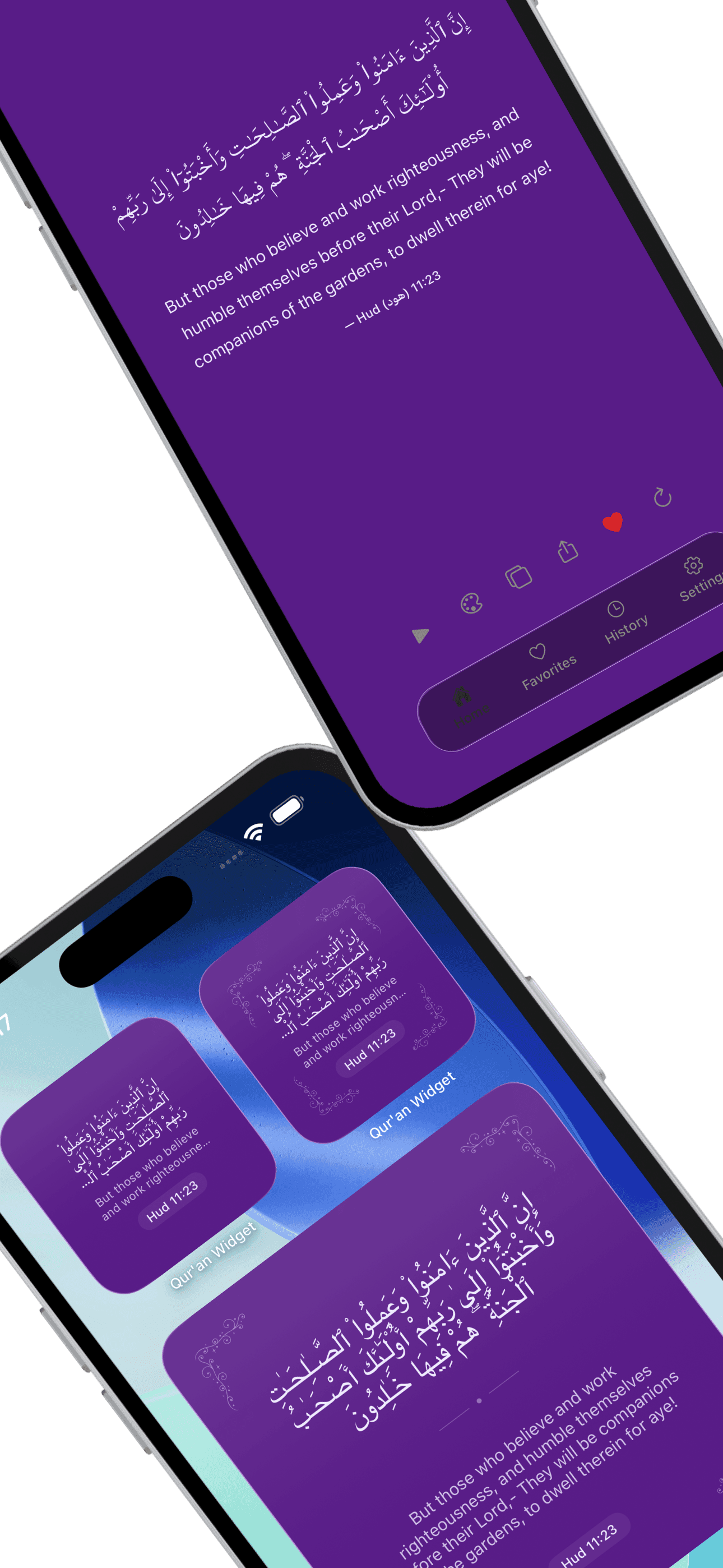
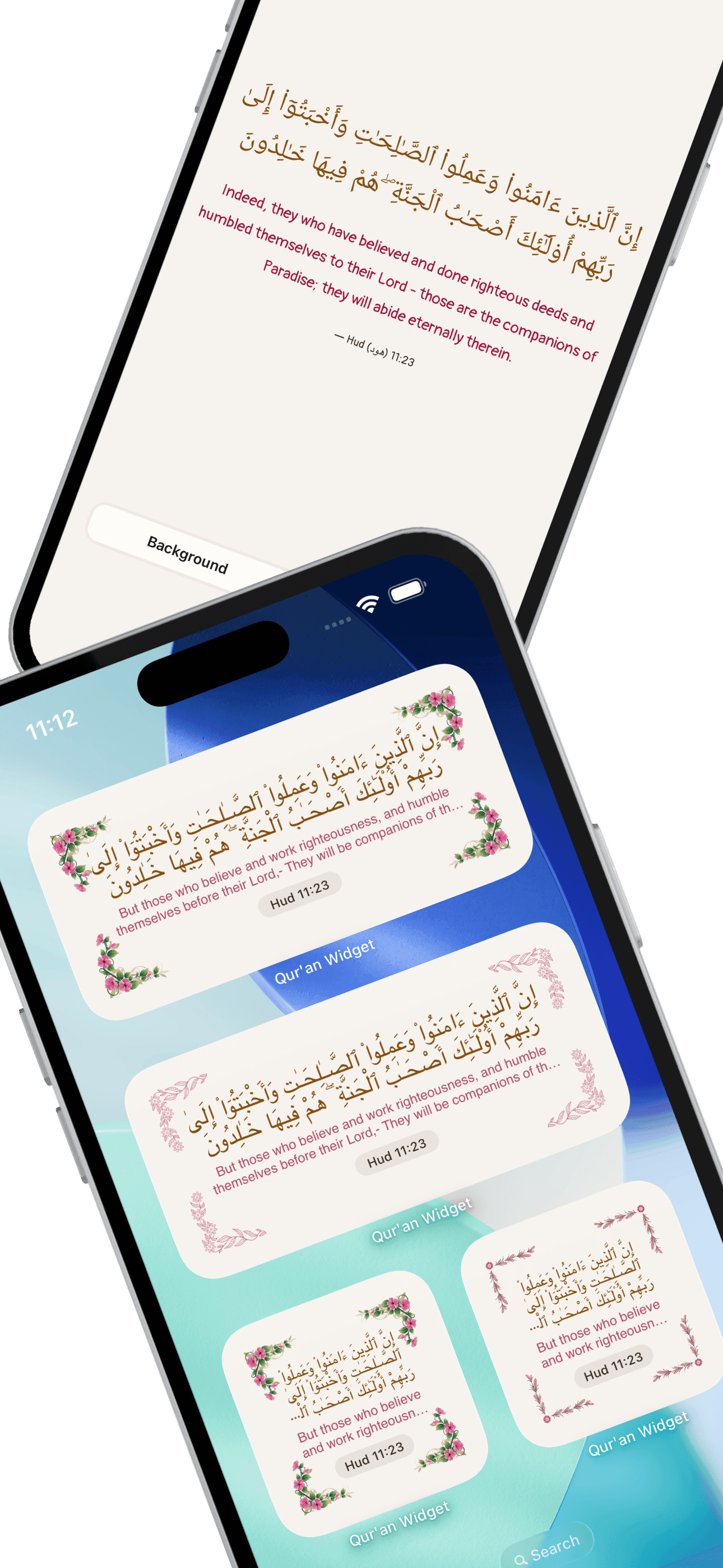
Verse widgets
Classic is free. Premium adds Modern, Serene, Bold, Minimal, six Ornament styles, Streaks, and Reading Stats.
Prophetic quotes
Six styles for hadith and prophetic reminders: Classic, Modern, Serene, Bold, Minimal, and Ornate.
Your own text
Write a dhikr, dua, or note and pin it to your home screen like any other widget.
Lock screen (iPhone)
Daily Verse is free. Premium adds streak, stats, Arabic, translation, surah name, Bismillah, and more.
Free: Classic verse widget + Daily Verse lock screen (iPhone)
Long press your home screen and add a widget from the gallery. Classic Qur'an Verse is free, same as Daily Verse on the iPhone lock screen. Premium unlocks Modern, Serene, Bold, Minimal, six Ornament styles, Streaks, Reading Stats, quote widgets, and custom quotes.
Download freeVerse of the Day
فَإِنَّ مَعَ ٱلْعُسْرِ يُسْرًا
But lo! with hardship goeth ease,
English · M. M. Pickthall (1930)Three steps
Most people finish setup in under a minute.
Install the app
Free on the App Store and Google Play.
Pick language and theme
Choose your translation and a look you like.
Add the widget
On iPhone, hold an empty Home Screen area and choose Edit → Add Widget. On Android, hold an empty area and choose Widgets. Find Quran Widget and add Classic.
All setup guides
- Quran widget for iPhone: Home Screen setup guide
- Quran widget for Android: Home Screen setup guide
- Quran lock screen widget for iPhone
- A free Quran widget for iPhone and Android
- Islamic widgets for daily Quran verses and reminders
- Quran widget apps compared: iPhone, Android and free access
- Daily Quran verse in Arabic with English translation
- Free daily Quran verse widget for your website
Questions
Quick answers about the app.
Is Quran Widget free?
Which translations are available?
How do I add the widget to my home screen?
Can I cancel my subscription?
How do I restore my purchase?
Is my data private?
Does Quran Widget work on the iPhone lock screen?
Is there a Quran widget for Android?
How is Quran Widget different from other Quran apps?
Can I listen to the verse?
Put a verse on your home screen
Free on iOS and Android. Setup takes about a minute.
Free on iOS and Android
Available on iOS and Android